How to Recover Deleted Text Messages: Complete SMS Recovery Guide
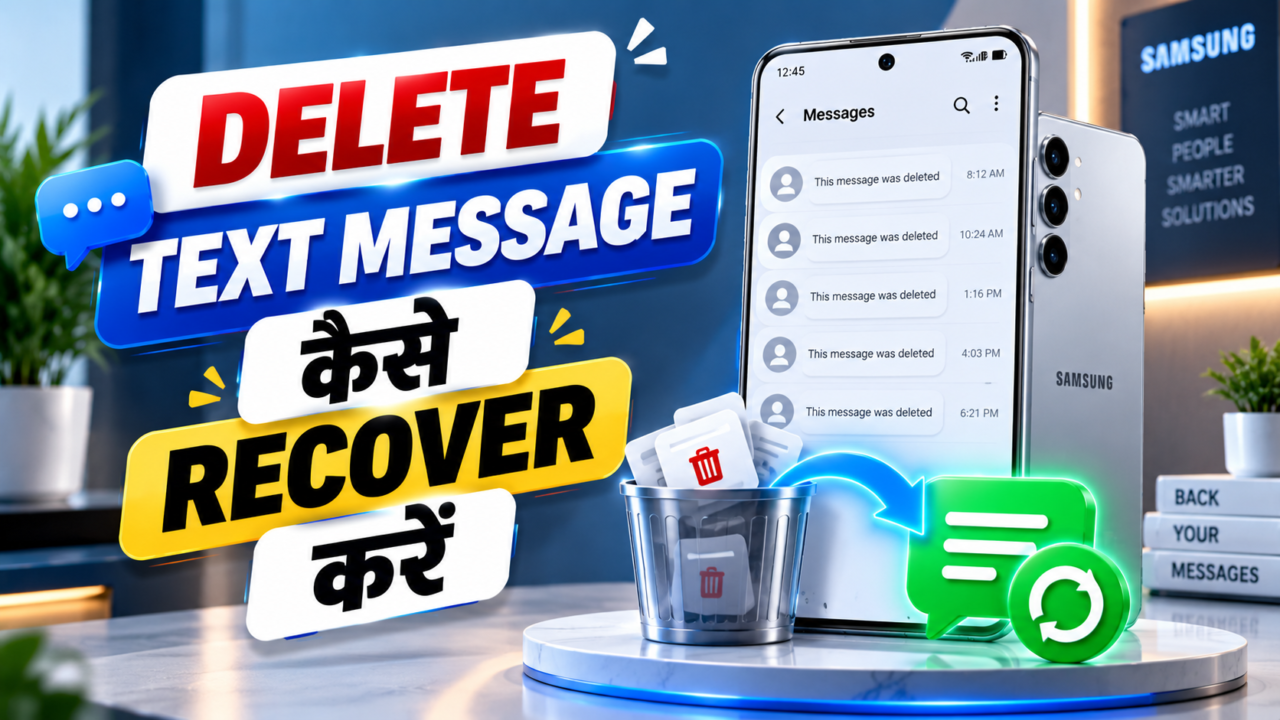
What Is SMS Recovery?
SMS recovery means trying to retrieve text-message data that is no longer visible in the normal Messages app. An SMS can contain ordinary conversations, delivery alerts, banking notifications, promotional offers, appointment reminders, verification messages, or other service information.
Recovery is not the same thing as simply opening an old conversation. If a conversation was archived, it may still exist and can usually be returned to the main inbox. If it was actually deleted, the recovery path depends heavily on the messaging app, phone manufacturer, Android version, whether a Trash/Recently Deleted feature is available, and whether a backup exists.
Why Do SMS Messages Get Deleted?
Text messages can disappear for several ordinary reasons:
- Accidental deletion: A conversation or individual message is removed while cleaning the inbox.
- Bulk deletion: Multiple threads are selected and deleted together.
- Phone reset or replacement: Messages may not return if they were not included in a backup.
- Messaging-app changes: Moving between messaging apps can change how local data is stored and restored.
- Storage or software problems: Database corruption, failed updates, or device errors can sometimes affect message visibility.
- Automatic cleanup: Some services or apps may have retention settings that remove older content.
It is also easy to mistake archived messages for deleted messages. Google Messages says archived conversations disappear from the Home screen but remain readable in the Archived section. That is fundamentally different from deletion.
Source: Google Messages Help.
Can Recently Deleted or Trash Recover SMS?
Yes, when the messaging app provides a Trash feature and the message is still inside its retention period. This is the safest recovery route because it does not depend on third-party scanning software.
Google Messages now has a Trash folder on supported versions. Google states that deleted conversations can be retrieved from Trash within 30 days. Once a conversation is permanently deleted from Trash, Google says it cannot be recovered.
Samsung Messages also provides a Trash feature on supported Galaxy devices. Samsung’s current support documentation says accidentally deleted messages can be recovered from Trash within 30 days, using Restore or Restore all.
Sources: Google Messages Trash Help · Samsung Messages Support.
What Happens When an SMS Is Deleted?
Deletion behavior depends on the messaging system. A modern messaging app may move a conversation into a Trash area rather than immediately making it permanently inaccessible. In other cases, deletion is treated as permanent at the app level.
Older Android recovery discussions often describe deleted storage as space that can eventually be reused. That does not mean a third-party app can always reconstruct the original SMS. Modern Android encryption, scoped storage, permissions, database structure, device-specific security, and subsequent writes can make deep recovery difficult or impossible.
Google’s standard Messages help page explicitly says that, when a conversation is deleted in the conventional delete flow, it cannot be recovered. The newer Trash feature is an important exception because supported versions can hold deleted conversations temporarily.
How Long After Deletion Can SMS Be Recovered?
There is no single answer such as “7 days,” “1 month,” or “1 year” that applies to every Android phone.
- Inside Trash: Recovery can be straightforward until the app’s retention period expires. Google Messages and Samsung Messages documentation currently describe a 30-day Trash window for supported configurations.
- From a backup: The useful period is determined by when the backup was made and whether SMS were included.
- After permanent deletion: Recovery becomes much more uncertain. Some specialized tools advertise deep scanning, but success depends on device, Android version, permissions, encryption, and whether the underlying data remains accessible.
- Older messages: A tool cannot honestly promise that every message from six months or one year ago can be restored merely because a date range is selected.
For that reason, a website interface that lets someone choose “7 Days / 1 Month / 6 Months / 1 Year” should present those as search or recovery periods, not as guaranteed recovery windows.
Official Recovery vs. Third-Party Recovery Software
| Method | What It Really Does | Reliability | Main Limitation |
|---|---|---|---|
| Messaging-app Trash | Restores messages still held by the app’s Trash system. | Best option | Only supported apps/devices and only during retention. |
| Archived conversations | Returns a conversation that was hidden rather than deleted. | Very high | Does not help if the conversation was actually deleted. |
| Existing backup | Restores a previously saved copy of SMS data. | High when available | Only data present in the backup can be restored. |
| Desktop recovery software | Attempts to scan accessible device data for recoverable records. | Device-dependent | May require special permissions/root and may not access protected databases. |
| Phone recovery apps | Use the permissions available to the app to look for recoverable data. | Highly variable | Many Android versions restrict access to deleted/private app data. |
Popular SMS/Data Recovery Software and Apps
There are several well-known names in Android data recovery. They should be treated as recovery tools that make claims about what they can find, not as guaranteed SMS-restoration services.
1. EaseUS MobiSaver
EaseUS MobiSaver for Android is a long-running Android data-recovery product. EaseUS’s company history says MobiSaver for Android was released in March 2014. Its official documentation lists messages among supported file types and describes a computer-based scan, preview, and recovery workflow. The documentation also says the Android version may require rooting to obtain full superuser access.
Its Google Play listing currently reports 10M+ downloads and about 31.4K reviews, with a roughly 2.1-star rating at the time of this research. The listing says the app supports recovery of photos, videos, contacts and SMS.
Sources: EaseUS company history · EaseUS MobiSaver documentation · Google Play listing.
2. Dr.Fone – Data & Photo Recovery
Dr.Fone is a Wondershare phone toolkit that includes data recovery among many other features. Its current Google Play listing reports 10M+ downloads and roughly 24.8K reviews, with a rating around 3.8 stars at the time checked.
User feedback is mixed. Recent Google Play reviews include people saying the product did not recover the deleted data they expected and others reporting dissatisfaction with pricing or support. These are individual user reports, not controlled tests, but they are useful evidence that advertised recovery capability should not be interpreted as a guarantee.
Sources: Google Play – Dr.Fone.
Tenorshare UltData is another Android data-recovery product. Its current Google Play listing reports 5M+ downloads and about 31K reviews, with a rating around 3.6 stars on the listing checked. Its current description emphasizes photos, videos, files, contacts and recovery of some social-app data rather than promising universal SMS restoration.
Tenorshare’s own historical review pages contain user reports going back to 2017–2018, including both positive recovery reports and complaints that recovery did not work or required rooting. Current Google Play reviews also include users saying the app only displayed existing files instead of deleted material. Again, these reports are anecdotal and should not be treated as laboratory proof.
Sources: Google Play – UltData · Tenorshare historical user reviews.
4. SMS Backup & Restore
This product is different from a “magic deleted-SMS recovery” scanner. Its purpose is primarily to make a backup before data is lost and restore that backup later. Historical Android community discussions show the app being used for SMS backups as early as 2010, and current app information identifies SyncTech as the developer.
Current third-party app-store statistics report more than 10M+ Google Play downloads and a large review base. Its value is prevention: if a backup exists, restoring messages is far more predictable than trying to reconstruct permanently deleted data.
Sources: Android Central historical discussion · AppBrain listing/statistics.
5. Dumpster
Dumpster is widely known as an Android recycle-bin style app, but its current Google Play description focuses mainly on photos, videos, files and apps, not universal SMS recovery. The current listing reports 50M+ downloads and roughly 709K reviews.
This is a good example of why download numbers should not be confused with proof of SMS recovery. A very popular recovery app can still specialize in media rather than deleted text messages.
Source: Google Play – Dumpster.
Are These Recovery Apps “Real”?
The safest answer is: the products and companies are real, but their recovery results are not guaranteed. A legitimate app can exist on Google Play, have millions of downloads, and still fail to recover a particular deleted SMS.
There are three different questions that should not be mixed together:
- Is the software a real published product? Store listings, developer identity and long-term product history can help establish this.
- Does it have a genuine recovery function? Many products do scan or restore accessible data.
- Will it recover my exact deleted SMS? This is device- and data-dependent, and no honest tool should promise 100% success for every phone.
Google Play download counts are useful for measuring popularity, not recovery accuracy. User ratings and reviews are also useful signals, but they can be subjective, device-specific and influenced by expectations about what the software can access.
What Do User Reports Actually Say?
User reports show a mixed picture. Some people report successful recovery of certain lost data, especially when the data was still accessible through a backup or less-protected storage. Others report that recovery apps only found existing files, failed to find deleted content, required payment before useful recovery, or did not work on their particular phone.
For example, current Google Play reviews for Dr.Fone include complaints about unsuccessful recovery and paid features. Current UltData reviews similarly include users reporting that deleted files were not detected. EaseUS’s current Play listing has a large user base but a relatively low rating, while its own technical documentation clearly describes device-access requirements and limitations.
What Is the Most Reliable Recovery Process?
For an ordinary user, the sensible order is to start with the least invasive method and only then consider specialized recovery software:
- Check whether the conversation is archived. An archived conversation may still be completely intact.
- Check the messaging app’s Trash/Recently Deleted area. If the message is there, restore it directly.
- Check your available backups. A genuine backup is generally more dependable than trying to reconstruct permanently deleted data.
- Identify the exact phone and messaging app. Samsung Messages, Google Messages and other apps can have different recovery behavior.
- Only then evaluate third-party recovery software. Check the developer, current store listing, permissions, refund terms, privacy policy and recent user feedback.
Do not pay for a product merely because an animation says “Scanning 100%” or because a preview screen shows a large number of files. A scan result is not automatically proof that the displayed items are your deleted SMS.
Why a Website Cannot Really Recover SMS by Itself
A browser page or WordPress HTML block cannot normally read a visitor’s private SMS database. Browser security deliberately prevents ordinary websites from silently accessing phone messages, contacts, call history or other private device data.
Therefore, an online “SMS recovery” interface can be useful as an educational demonstration, a front-end for a real service with appropriate permissions, or a guide to legitimate recovery methods. But a simple web form cannot genuinely scan a visitor’s Android storage and restore deleted SMS just because the visitor selects “1 Month” and presses “Recover SMS.”
Frequently Asked Questions
Can I recover SMS deleted today?
Possibly, especially if the messaging app has a Trash/Recently Deleted feature or a recent backup. For supported Google Messages and Samsung Messages configurations, the official documentation provides a Trash-based recovery path.
Can I recover SMS deleted one month ago?
It depends. If the message is still inside a supported Trash retention window, recovery may be possible. If it was permanently deleted, a backup or specialized recovery method may be necessary, and success is uncertain.
Can I recover one-year-old deleted SMS?
There is no universal guarantee. A one-year-old message may be recoverable from an old backup, but permanently deleted data may no longer be accessible. A date selector in a recovery app does not create missing data.
Does Google Messages have a Recently Deleted/Trash feature?
Supported versions now provide a Trash folder with a 30-day retrieval period. Google also states that messages permanently deleted from Trash cannot be recovered.
Does Samsung Messages have Trash?
Supported Samsung Messages versions provide Trash, and Samsung currently documents restoring deleted messages from Trash within 30 days.
Are SMS recovery apps 100% successful?
No. Even the recovery vendors’ own documentation and app descriptions describe limitations. Recovery depends on the phone, Android version, permissions, storage state, encryption, backups and the type of data involved.
Final Verdict: What Really Works?
SMS recovery is possible in some situations, but it is not a universal process. The strongest recovery options are the ones that preserve a real copy of the message: a supported Trash/Recently Deleted folder or a genuine backup.
Third-party recovery software can be useful for some data-loss scenarios, but its success varies widely. Large download numbers prove popularity, not that every deleted SMS can be recovered. User reports are similarly mixed, so they should be considered alongside official documentation and the exact device being used.
If a message has been permanently deleted, there is no reliable rule saying that it can always be recovered after 7 days, 30 days, 6 months, or one year. The honest answer depends on where the message was stored, whether a recoverable copy still exists, and what access the recovery software actually has.
SMS Recovery
Select how old the deleted SMS should be, then start recovery.

 Help
Help